

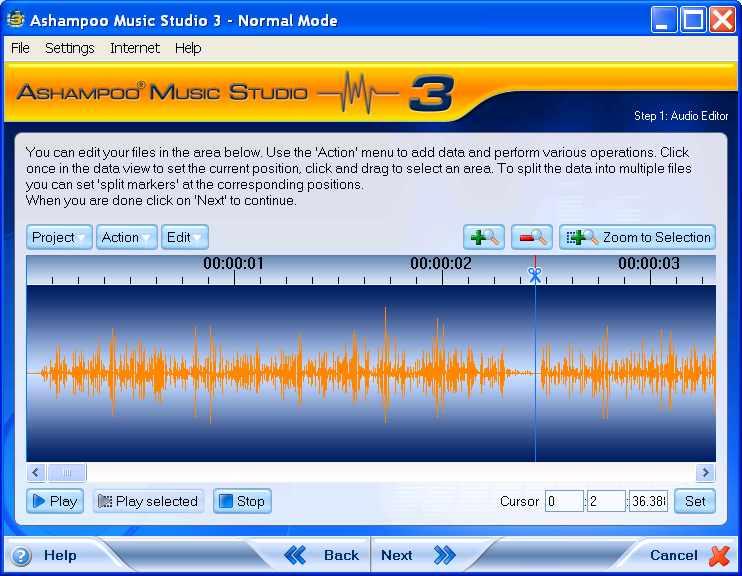
 1
1Figure 69
2. The cursor should change to the symbol shown below (Fig 70). ↔
Figure 70
3. Click the left mouse button once only when this occur.
4. The line below should change from a darker blue to a lighter one (Fig 71) showing that it is highlighted.
5. Compare figure 69 with figure 71 to see the difference in color.
6. In the Action drop down window, click Remove Split Marker (Fig 71).
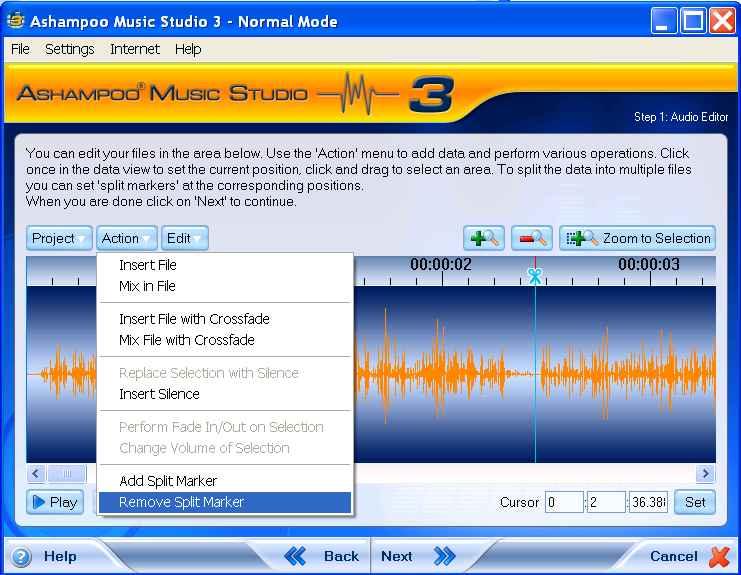 4
47. The track marker will be removed (Fig 72) and replace with red insertion line.
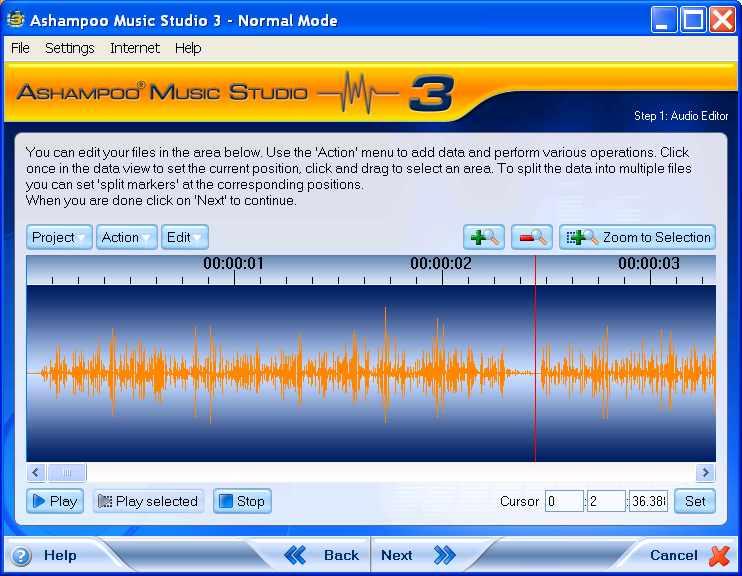 7
7 Describe what you're looking for in as much detail as you'd like.
Our AI reads your request and finds the best matching books for you.
Popular searches:
Join 2 million readers and get unlimited free ebooks