

1) Log into https://search.google.com/search-console.
2) In the property drop-down, choose your property.
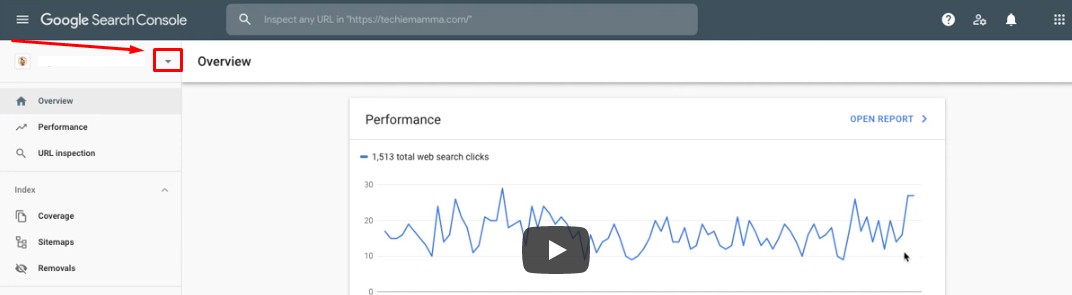
3) At the left panel, scroll down and click Settings.
4) Click on the arrow beside Users and Permissions.
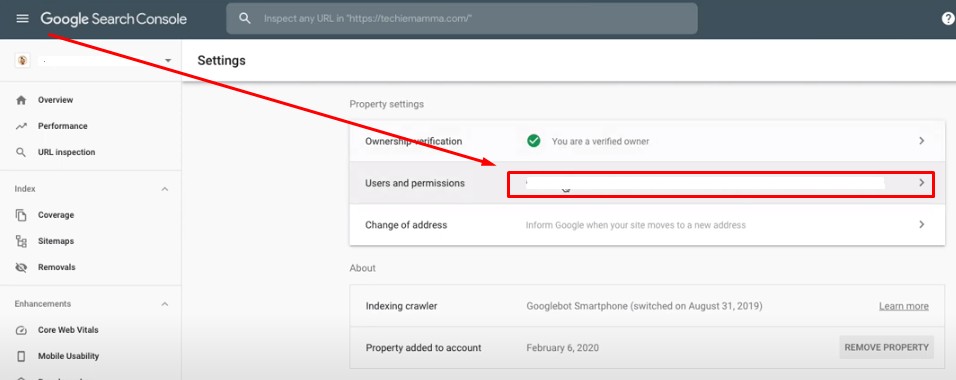
5) Click ADD USER.
6) Under Email address, write access@blitzmetrics.com.
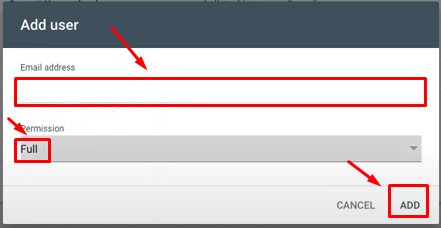
7) Under Permission, choose Full.
8) Click ADD.
Describe what you're looking for in as much detail as you'd like.
Our AI reads your request and finds the best matching books for you.
Popular searches:
Join 2 million readers and get unlimited free ebooks